Construct with speed. Control with policy. Comply by design.
Wolvestride’s AI-powered low-code platform
Wolvestride C2 Studio is the low-code development environment of the Wolvestride Business Compliance Operating System (BCOS). It enables teams to design applications and workflows visually while enforcing governance, access, and compliance automatically at runtime.
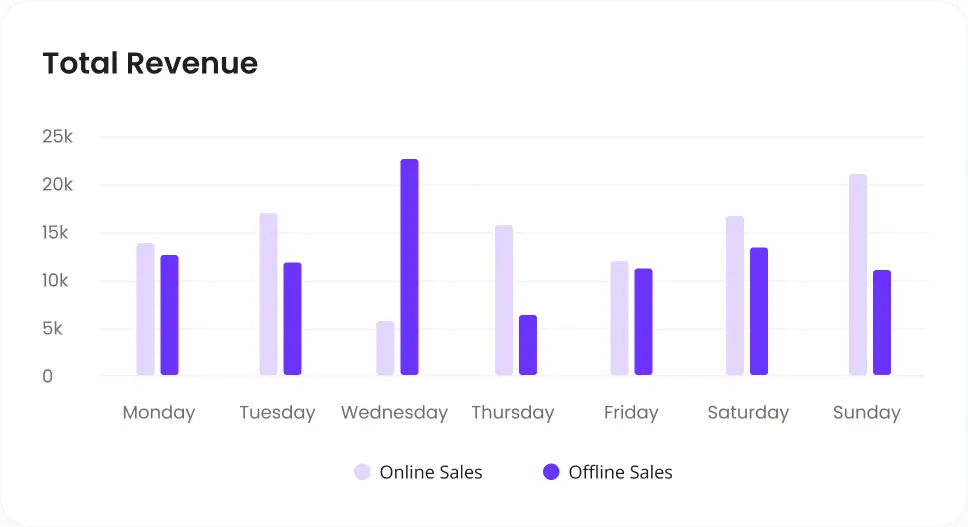
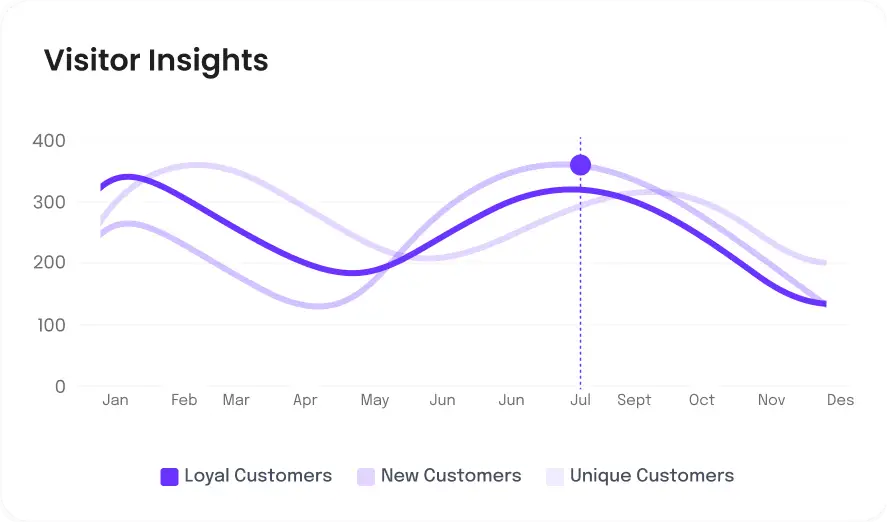
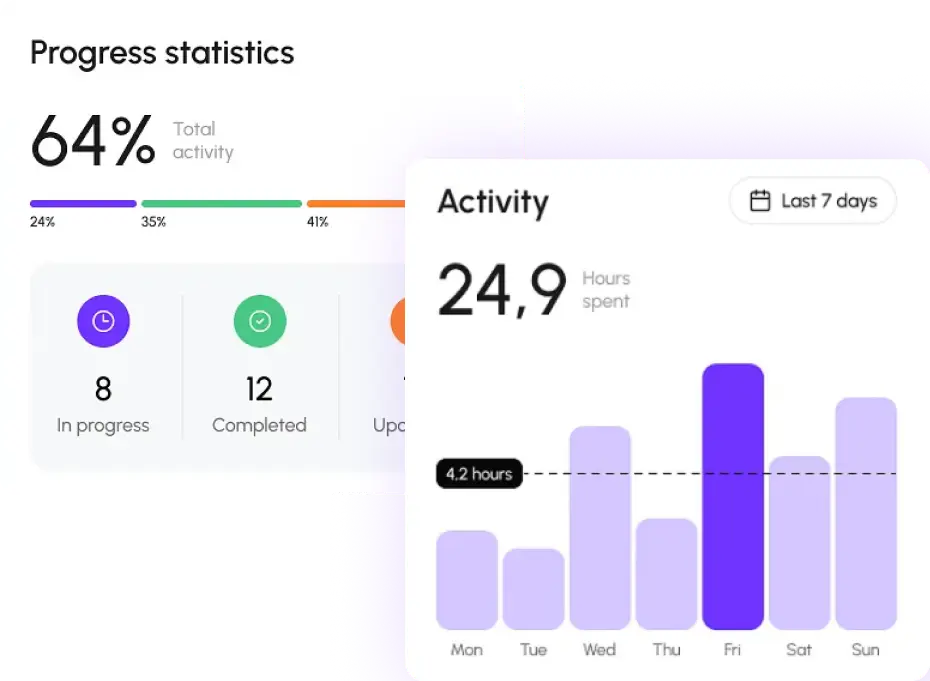
Build fully customizable dashboards connected to enterprise data and workflow events.
Drag-and-drop chart & widget designer
Real-time operational metrics
AI-driven insights & anomaly detection
Data from all Wolvestride modules in one place
Publish dashboards to teams & leadership
Role-based visibility and access controls
What You Can Build in C2 Studio
Visual development with built-in control by BCOS
Internal business applications
Build secure, governed applications that run core operations without custom code or compliance risk.
Approval and workflow systems
Design policy-enforced workflows that approve, route, and execute decisions automatically.
Operational dashboards
Create real-time dashboards that reflect live execution, risk, and compliance—not just reports.
Customer and partner portals
Launch trusted portals with dynamic access control and fully audit-ready, compliant interactions built in.
AI-driven automation flows
Automate complex processes with AI intelligence while enforcing policy and risk boundaries.
Autonomous agent behaviors
Design rule-based and AI-assisted decisions that execute automatically within defined policies.
Unified Power: Everything Works Together
Each builder in C2 Studio connects through a common logic layer
(Step 01)
Construct
(Step 01)
Construct
Design forms, workflows, and logic visually using drag-and-drop builders.
(Step 02)
Control
(Step 02)
Control
Attach policies, access rules (ESDA), and risk thresholds to every action.
(Step 03)
Execute
(Step 03)
Execute
Applications and workflows run with real-time governance and AI orchestration.
(Step 04)
Comply
(Step 04)
Comply
All actions are logged and mapped to regulatory controls automatically.
Studio vs Traditional Development
Together, they give enterprises a complete low-code system for building, automating, and scaling operations across Wolvestride.
Category
C2 Studio
Traditional Development
Speed of Building
Generate forms, workflows, and logic in minutes using AI-assisted builders
Weeks or months of manual coding, UI wiring, and backend setup
Effort for Simple Changes
Update visually and publish instantly; no redeployment needed
Requires code changes, testing cycles, and redeployment
Reusability
Reusable fields, forms, steps, data models, and agent skills across modules
Most components must be rebuilt or refactored for each project
Automation & AI
Built-in AI agents for validation, routing, extraction, decisions
Requires external setup, plugins, or custom models
Governance & Compliance
Policies embedded at build-time; audit-ready out of the box
Requires separate compliance checks, code reviews, and manual tracking
Skill Requirements
Low-code + AI assistance; developers extend only when needed
Requires deep expertise in frontend, backend, APIs, and infrastructure
Clients Feedback
Why Clients Trust Our Fintech Solutions
Our clients’ experiences speak volumes about the impact of our solutions.
Laura Bennett
CEO, MarketEdge
“Strategic collaboration paid off. Their data driven execution helped us reach the right market efficiently."
James Anderson
CFO, FinCorp
“This platform transformed the way we handle payments and financial reporting. Everything is seamless and secure.”
Anna Thompson
CFO, NexoraLabs
“Their expertise made a difference. Data driven insights helped us reach the right audience and scale effectively.”
Olivia Wilson
CEO, FinovaGroup
“Their team brought clarity. Data driven decisions helped us refine targeting and accelerate business growth.”
Andrew Collins
CEO, StratifyCorp
“They delivered real value. Data driven insights empowered us to target better and grow faster.”
Daniel Brooks
CEO, Vertex Advisory
“Strategic collaboration paid off. Their data driven execution helped us reach the right market efficiently."
Robert Hayes
CFO, Brightline
“This platform transformed the way we handle payments and financial reporting. Everything is seamless and secure.”
Natalie Foster
CFO, Stratify Corp
“Their expertise made a difference. Data driven insights helped us reach the right audience and scale effectively.”
Sophia Turner
CFO, CoreAxis
“Their team brought clarity. Data driven decisions helped us refine targeting and accelerate business growth.”
Emily Watson
CFO, InsightBridge
“They delivered real value. Data driven insights empowered us to target better and grow faster.”
Got Questions?
1. What is C2 Studio in Wolvestride?
C2 Studio is a low-code construction suite where teams build forms, automate workflows, and deploy AI agents that power business operations across Wolvestride.
2.Do I need coding skills to use C2 Studio?
No. Most of the studio is visual, drag-and-drop, and AI-assisted. Developers can extend logic when needed.
3. Is C2 Studio suitable for business users?
Yes. It’s designed for cross-functional teams — from analysts and operations teams to IT and developers.
4. Can C2 Studio integrate with external systems?
Absolutely. It supports APIs, event-based triggers, identity integrations, ERP connections, and third-party systems.
5. How secure is C2 Studio?
Very secure. Wolvestride applies RBAC, audit trails, encryption, compliance checks, and governance across all builders.
Integration & Tools
Intelligent Tools & Seamless Integrations
100+ All-in-One Integrations & Tools
Our integrations and tools are designed to work seamlessly with your existing systems, enabling smooth data flow and enhanced functionality across platforms.